 Fylvo
Your files.Your cloud.
A lean, private cloud for your own server. Files, sharing, office and sync apps, in one container.
Memory under loadunder 200 MB
Shown against the 8 GB of a small home server. No PHP, no separate database.
What is inside 9 items
NameWhat you getWhere
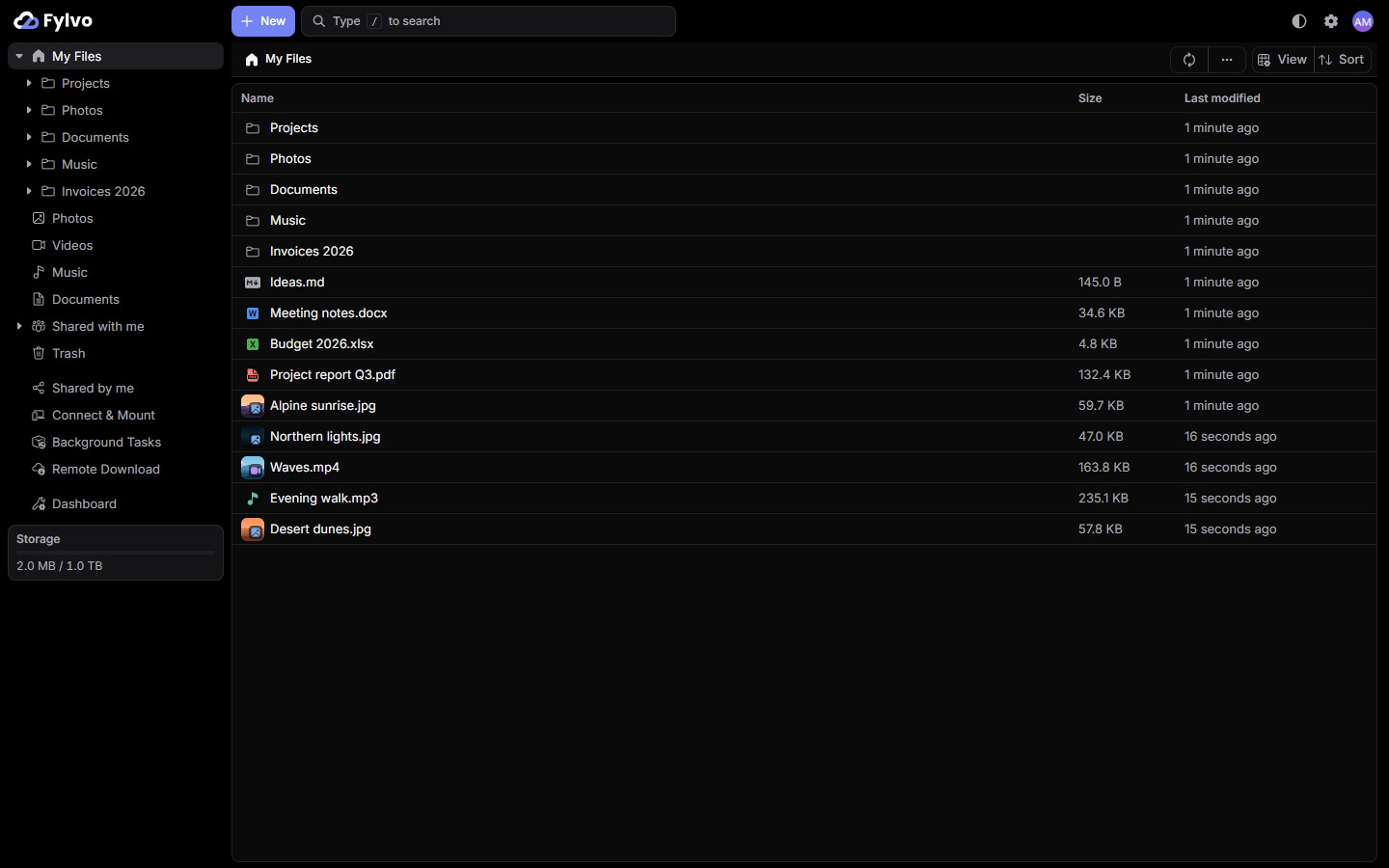
FilesLarge uploads that resume, folders, search, tags, trash and version historyBrowser, all apps
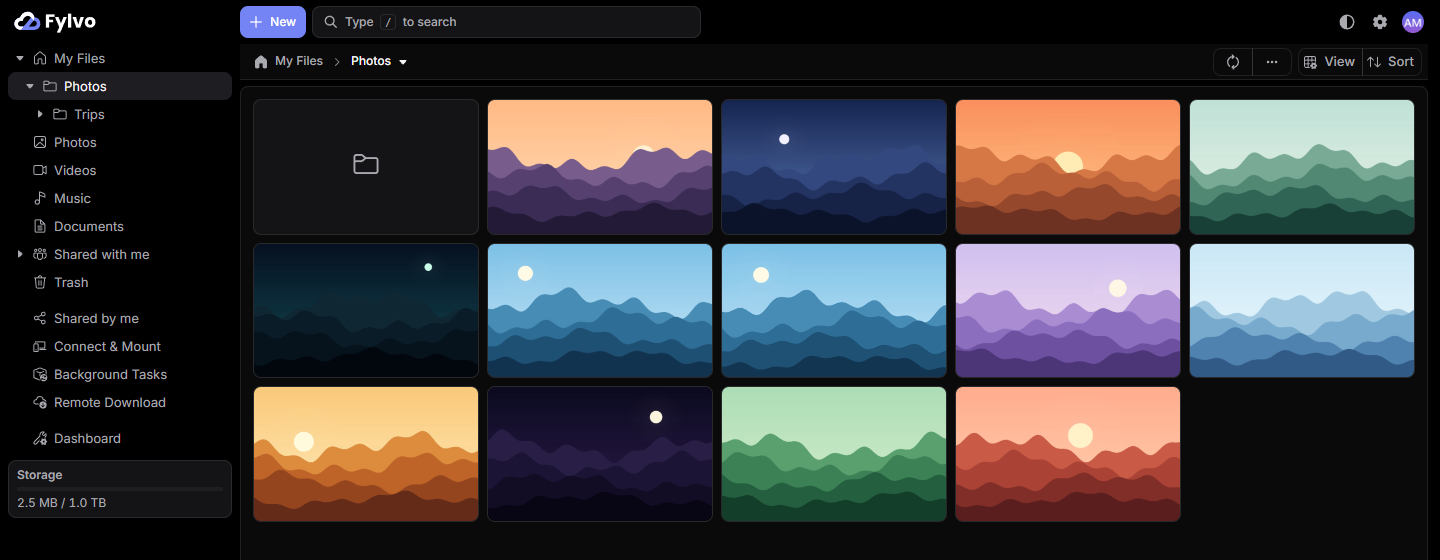
PreviewsPhotos including RAW and HEIC, videos, music, PDF, text and code, e-booksBrowser, Android
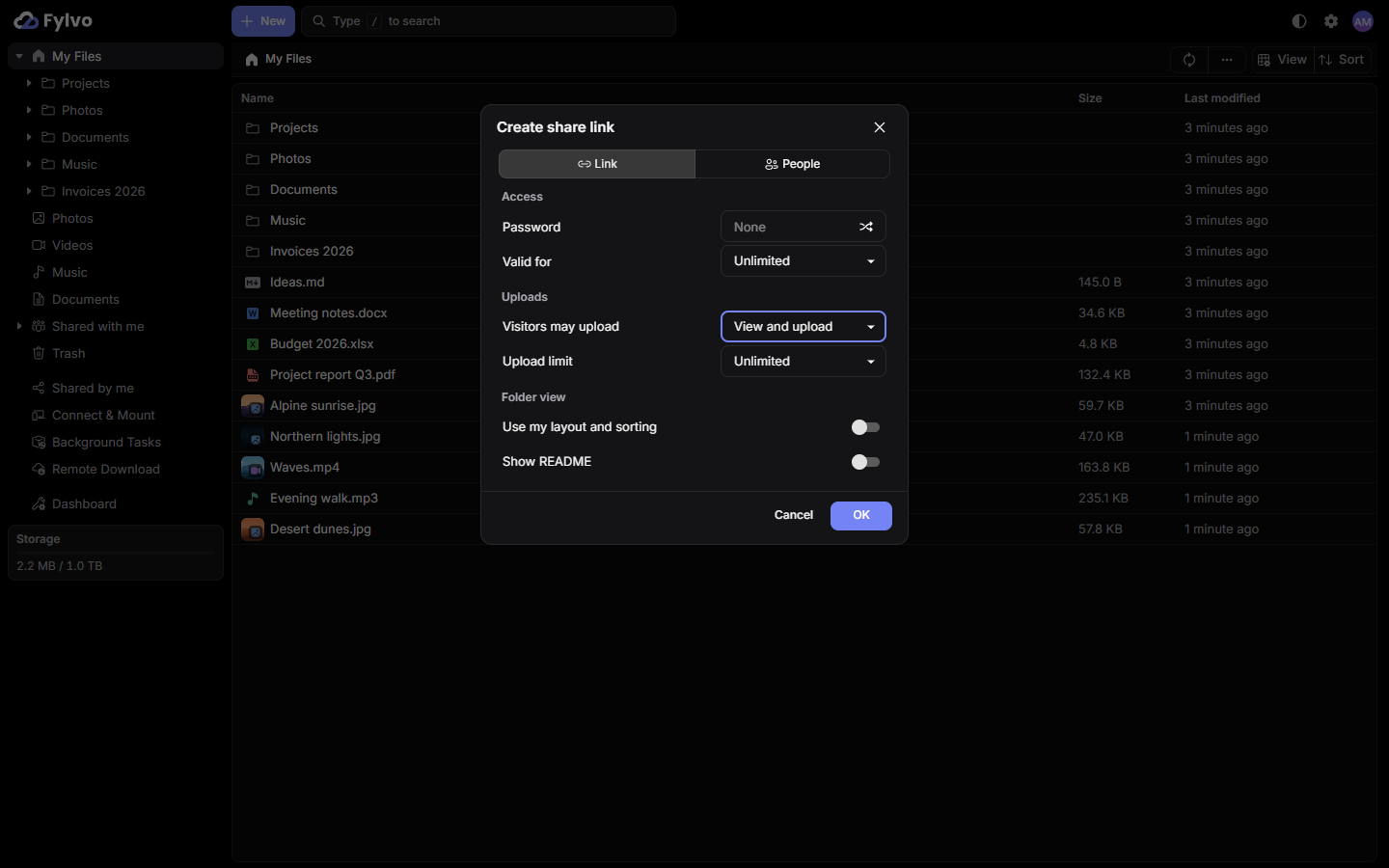
SharingLinks with password, expiry and download limit. Upload links for people without an accountBrowser, Android
Shared foldersShare a folder with people on your server, and choose per person whether they read or editBrowser, all apps
OfficeEdit Word, Excel and PowerPoint files in the browser with Collabora OnlineBrowser, optional
Connected storagesYour Google Drive and OneDrive next to your own files. Copy between themBrowser, Android
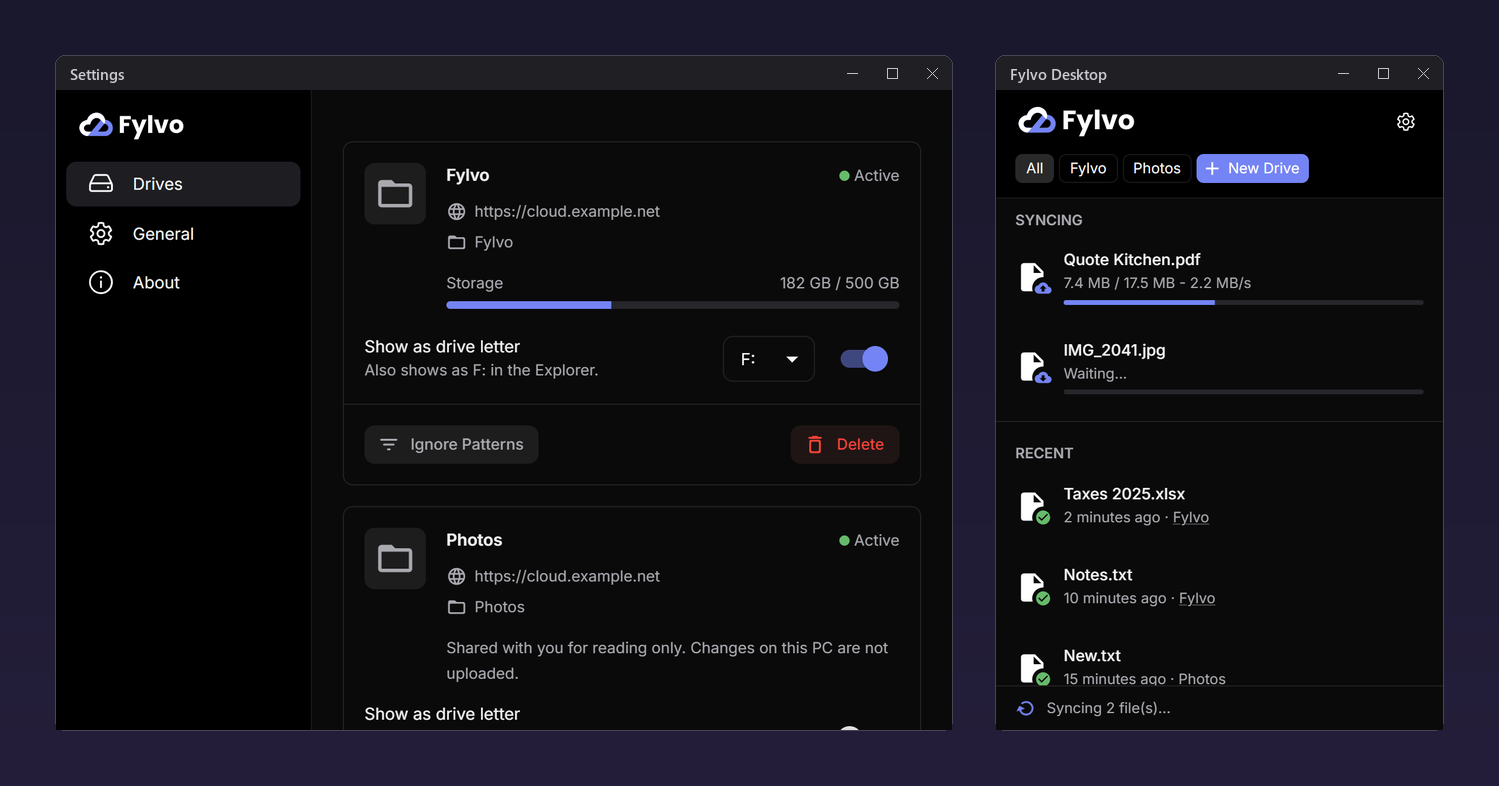
SyncFiles on demand in the Windows Explorer, with an optional drive letter. WebDAV for everything elseWindows, Linux
PhoneOffline files, offline editing and folder syncAndroid
SecurityTwo-factor login and passkeys. Nothing calls home. Registration closes after the first accountServer
Three commands on a Linux machine
You need Docker. The first start takes about a minute.
The first account you create becomes the admin. After that, registration is closed.
mkdir ~/fylvo && cd ~/fylvocurl -fsSLO https://raw.githubusercontent.com/svenbuild/fylvo/main/docker-compose.ymldocker compose up -dOpen http://localhost:5212 and create your account.
Apps that talk to your server only
You type your server's address when you sign in. Updates for the apps come from your own server, not from a store.
Fylvo-Android-version.apkAndroid 9 or newerOffline files, folder sync
Fylvo-Desktop-version-windows-x64.zipWindows 10 2004 or newerSigned package
Fylvo-Desktop-version.AppImage, .deb, .rpmLinuxPreview